


Continuous AI for accessibility: How GitHub transforms feedback into inclusion
AI automates triage for accessibility feedback, allowing us to focus on fixing barriers—turning a chaotic backlog into continuous, rapid resolutions.
Learn more

Build what's next on GitHub, the place for anyone from anywhere to build anything.

Join us October 28-29 in San Francisco or online for GitHub Universe, our flagship developer event uniting people, agents, and the world's code.
Explore comprehensive guides about GitHub Copilot, an AI-powered code completion tool, to enhance coding efficiency and accuracy with best practices, tips for maximizing Copilot's capabilities, and real-world examples. Want more technical information on GitHub Copilot? Head over to our documentation to learn more about using GitHub Copilot in your IDE, on GitHub, and across your workflows .
AI automates triage for accessibility feedback, allowing us to focus on fixing barriers—turning a chaotic backlog into continuous, rapid resolutions.
AI is shifting from prompt-response interactions to programmable execution. See how the GitHub Copilot SDK enables agentic workflows directly inside your applications.
How Copilot code review helps teams keep up with AI-accelerated code changes.
GitHub Copilot Dev Days is a global series of hands-on, in-person, community-led events designed to help developers explore real-world, AI-assisted coding.

A hands-on guide to using GitHub Copilot CLI to move from intent to reviewable changes, and how that work flows naturally into your IDE and GitHub.
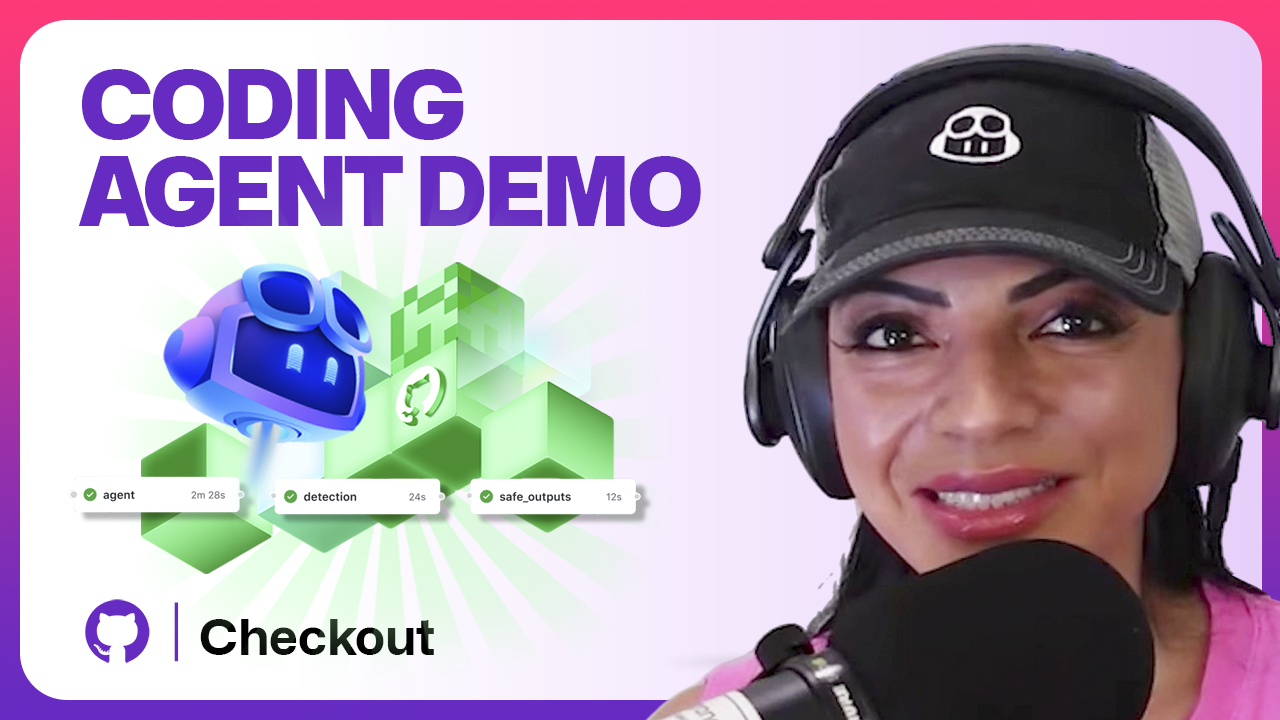
GitHub Copilot coding agent now includes a model picker, self-review, built-in security scanning, custom agents, and CLI handoff. Here’s what’s new and how to use it.
A senior engineer’s guide to architecting and extending Copilot’s real-world applications.
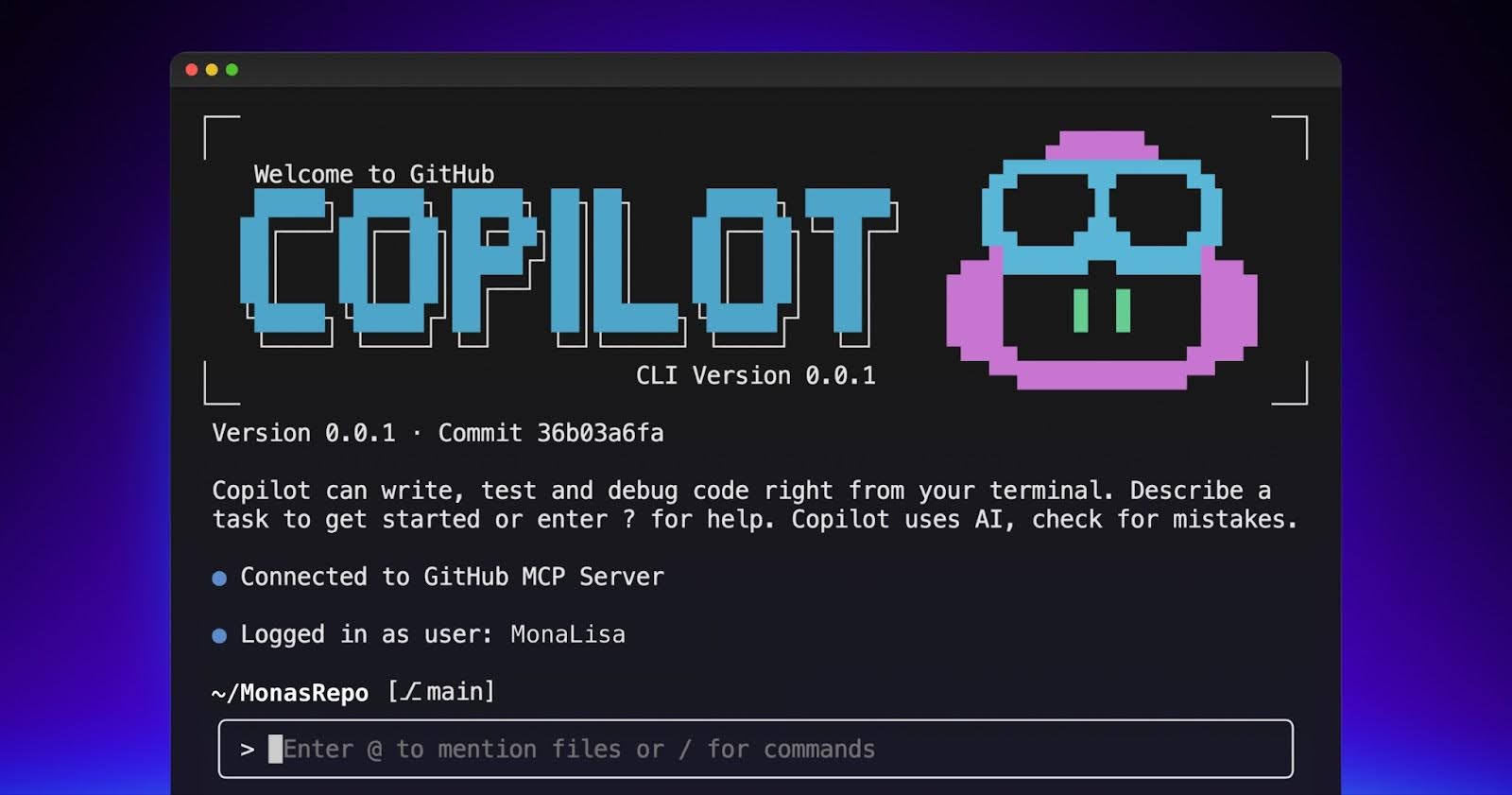
Explore the GitHub Copilot CLI and try interacting with Copilot directly from your terminal.
Run tests, fix code, and get support—right in your workflow. Stay focused and let Copilot handle the busywork.

Copilot’s cross-agent memory system lets agents learn and improve across your development workflow, starting with coding agent, CLI, and code review.

An easy-to-remember acronym, WRAP will help you write effective issues, refine your instructions, and get the most out of Copilot coding agent.

Follow this step-by-step guide to learn how to debug your issues using GitHub Copilot Spaces and Copilot coding agent.

Run multiple Copilot agents from one place. Learn prompt techniques, how to spot drift early, and how to review agent work efficiently.

Learn more about the agentic security principles that we use to build secure AI products—and how you can apply them to your own agents.

GitHub Copilot’s next edit suggestions just got faster, smarter, and more precise thanks to new data pipelines, reinforcement learning, and continuous model updates built for in-editor workflows.