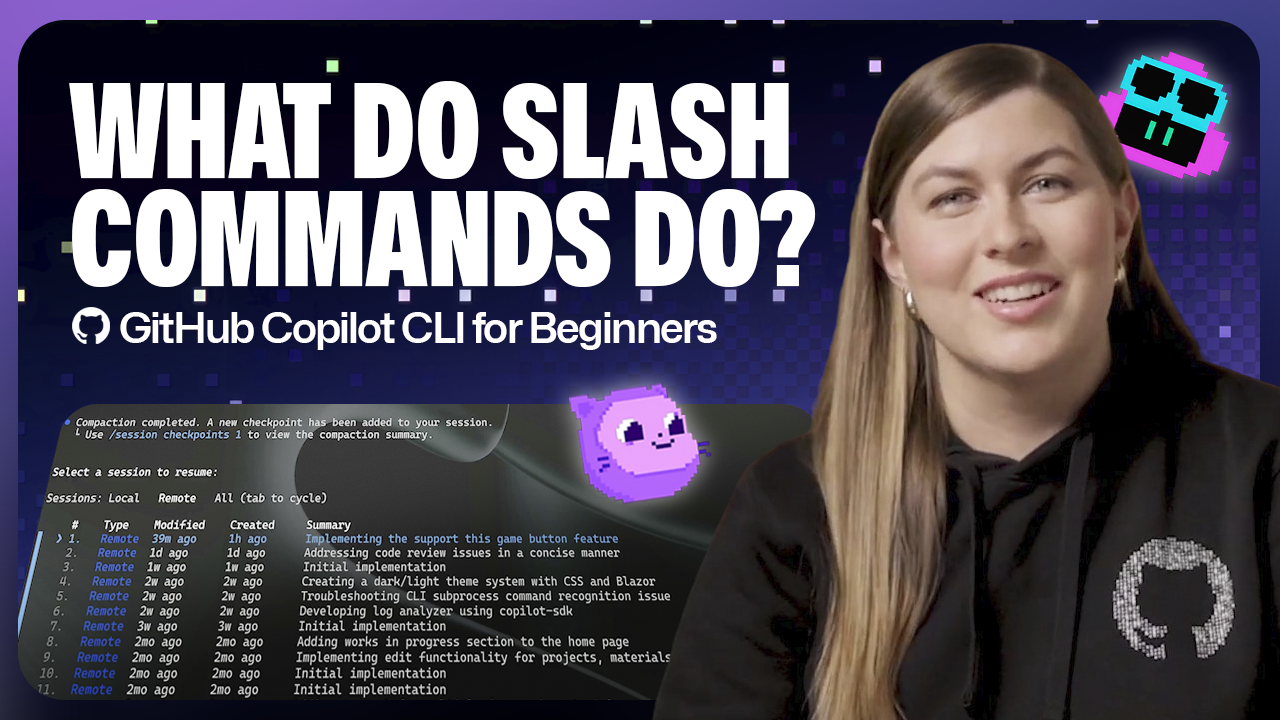
GitHub Copilot CLI for Beginners: Overview of common slash commands
GitHub Copilot CLI for Beginners: Learn how to use slash commands to control your terminal AI agent.
Learn more
GitHub Copilot CLI for Beginners: Learn how to use slash commands to control your terminal AI agent.
Better orchestration, fewer handoffs, faster progress, without a single new knob.
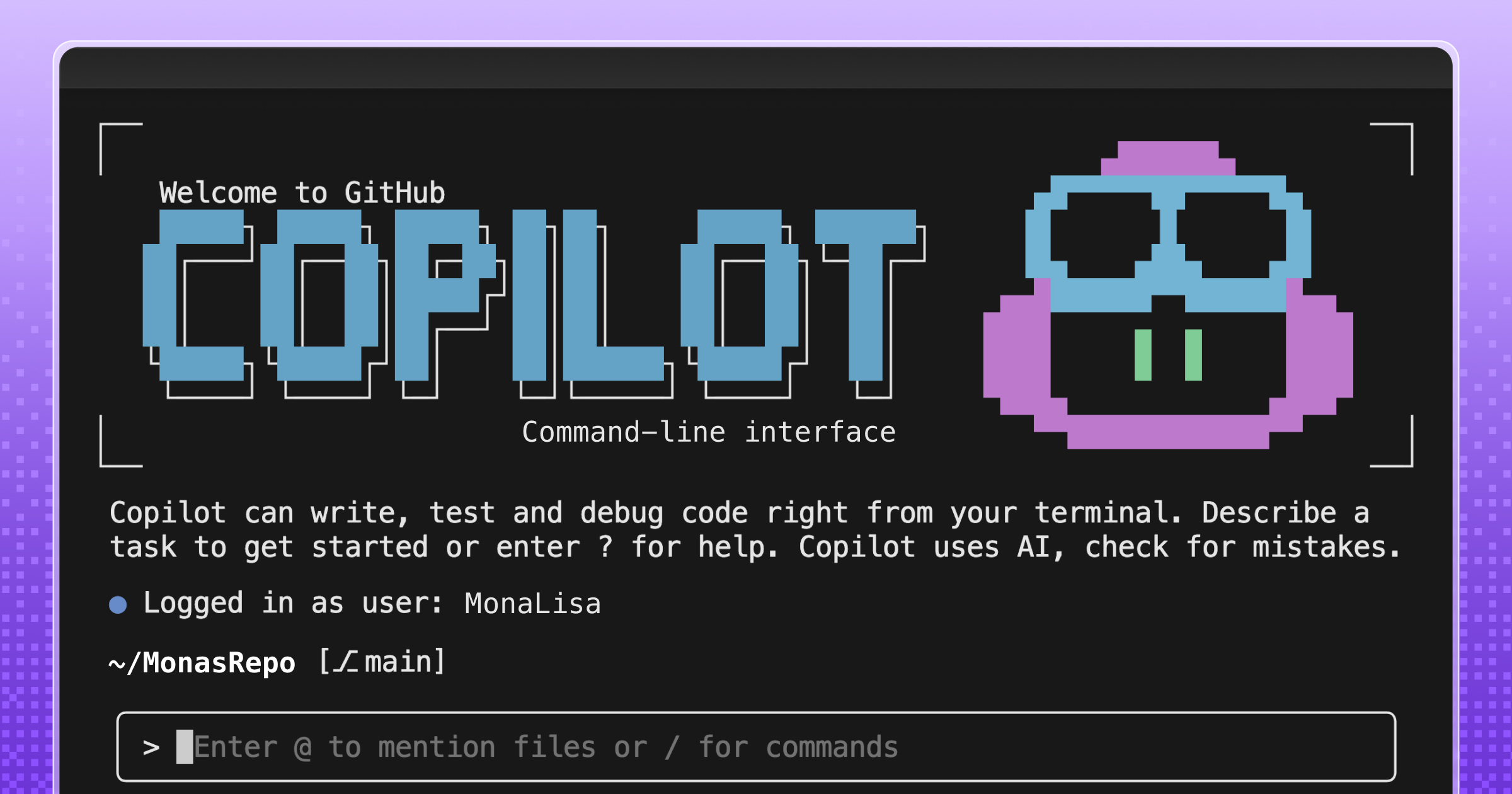
Install and configure LSP servers for GitHub Copilot CLI, replacing brute-force grep/decompile with real code intelligence.
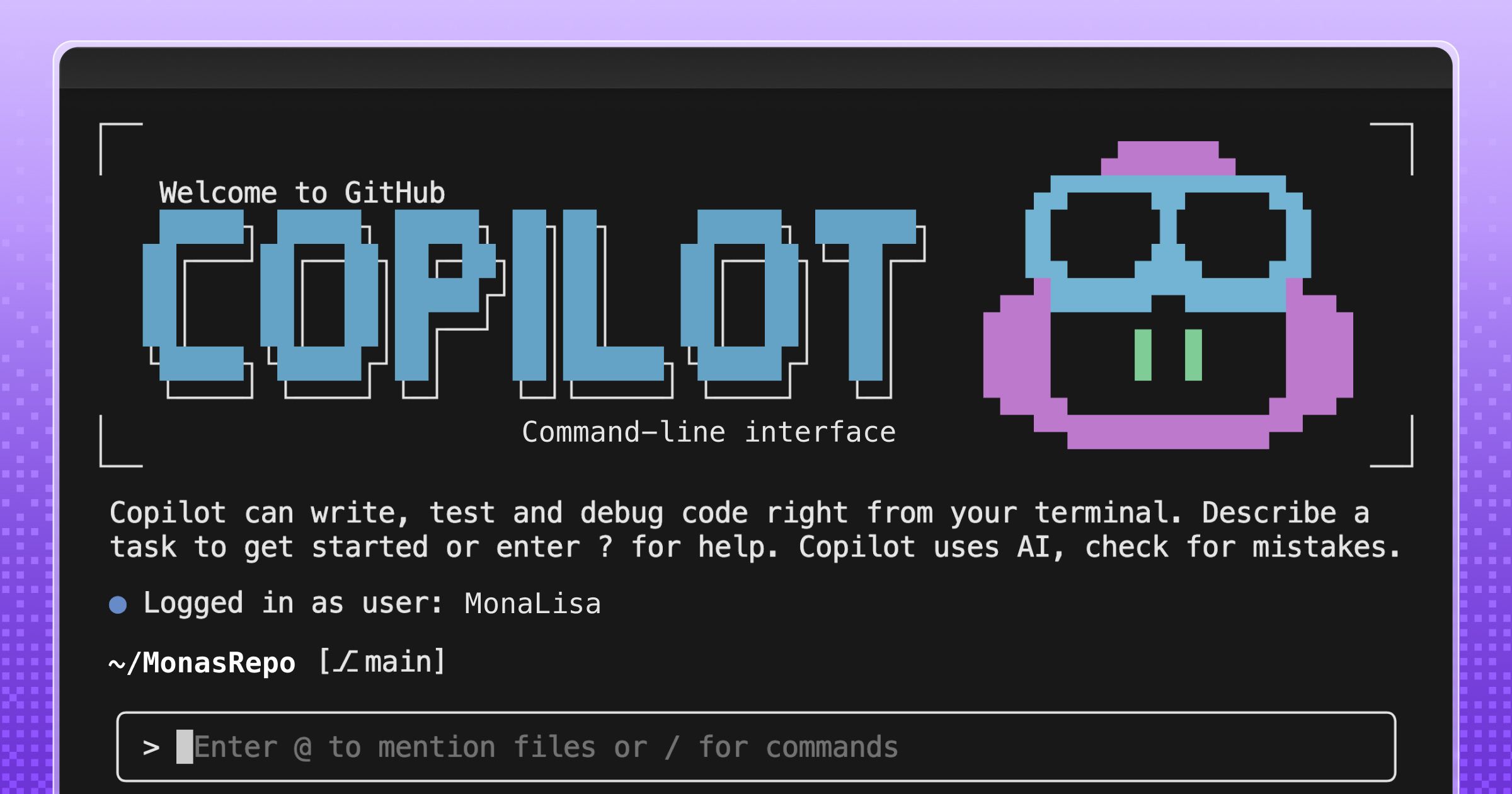
Custom agents let GitHub Copilot CLI understand your stack and team workflows, turning one-off terminal prompts into repeatable, reviewable processes.

At Microsoft Build 2026, GitHub introduced new tools, updates, and surfaces so agents can work the way you already work.
Learn how one Hubber used GitHub Copilot CLI to build an extension that turns any codebase into a unique, roguelike dungeon.
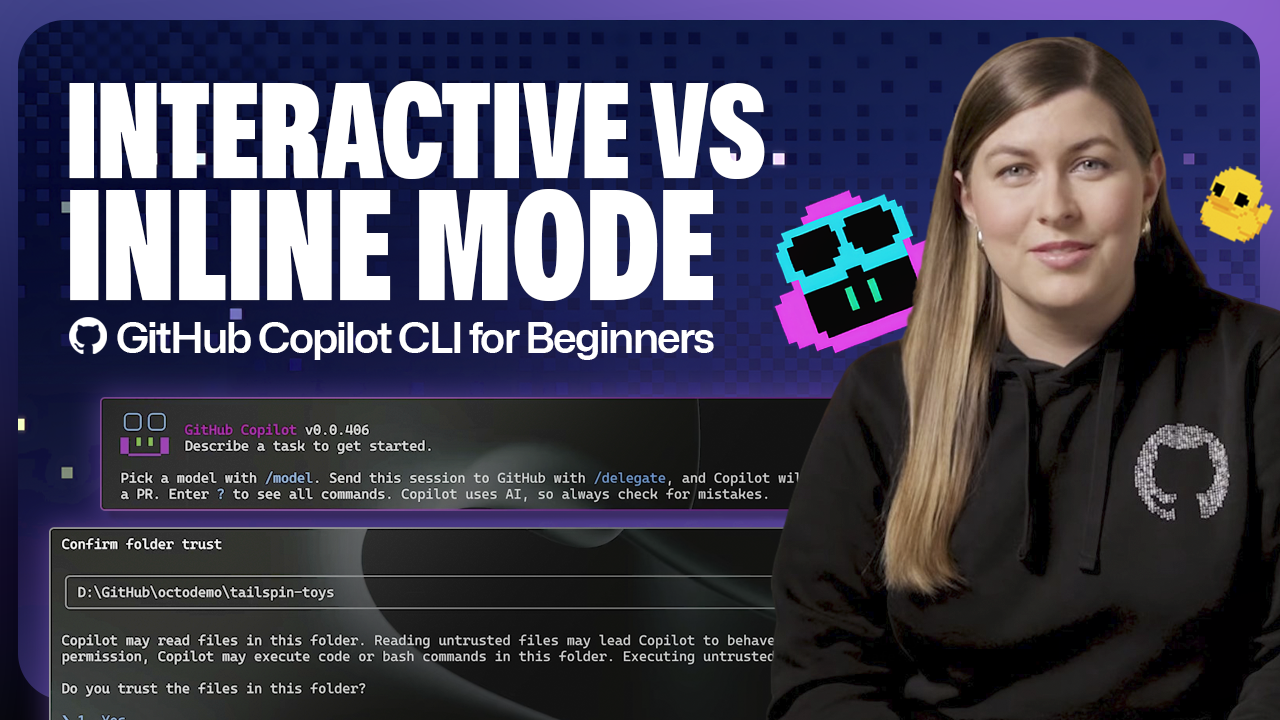
Learn the difference between CLI interactive v. non-interactive modes.
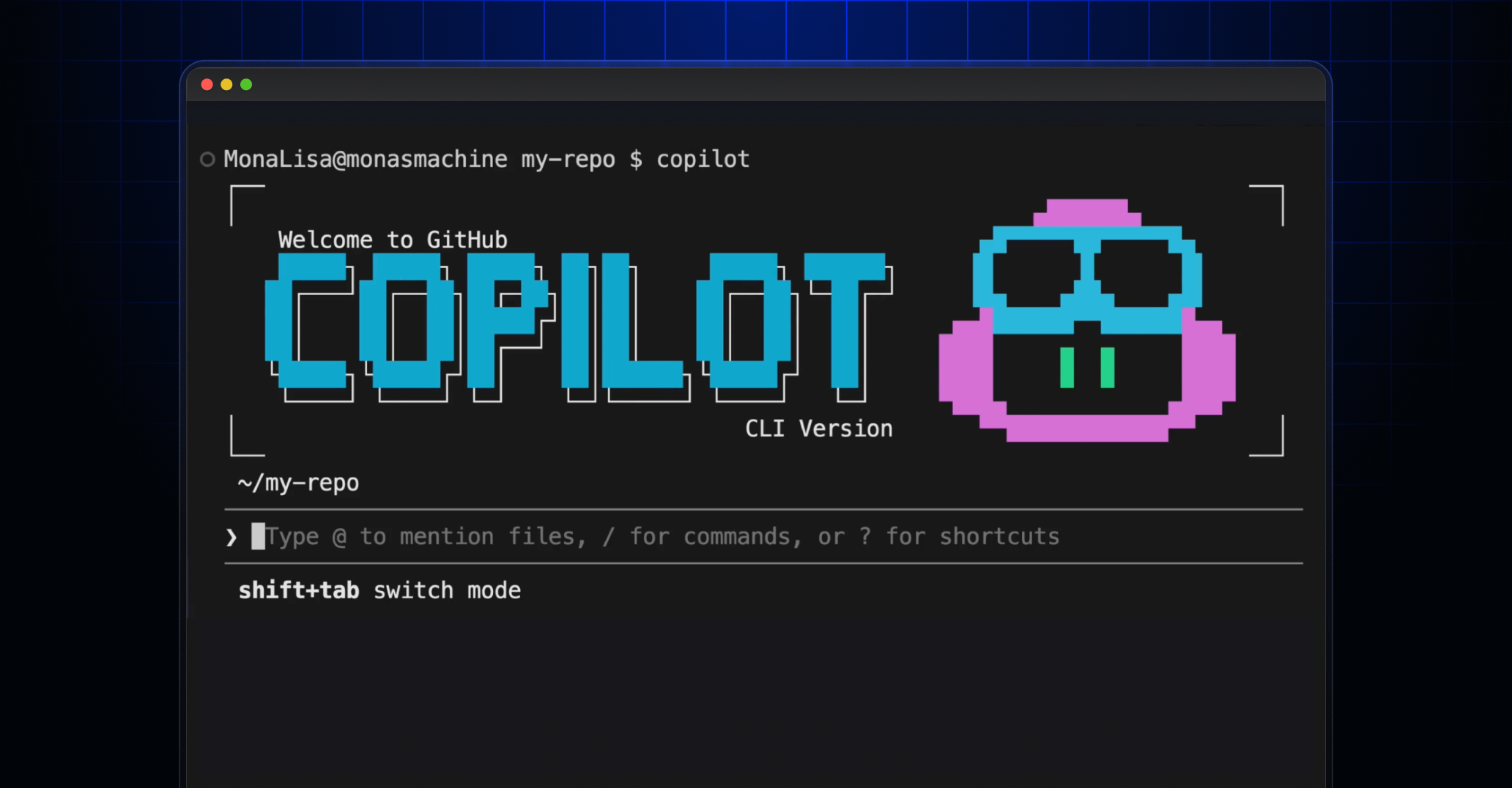
See how we created an emoji list generator during the Rubber Duck Thursday stream.
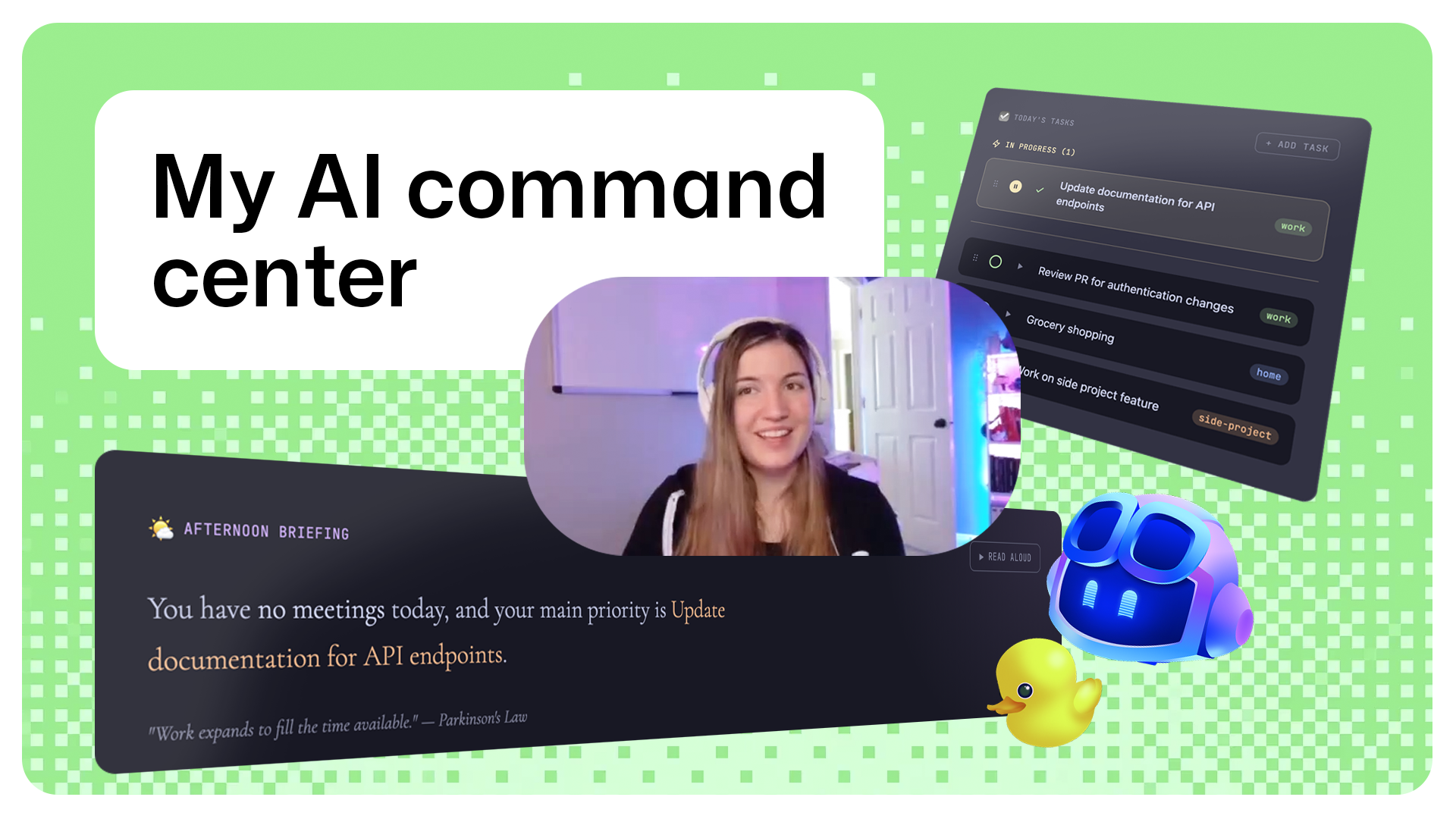
Learn about the productivity tool one GitHub engineer built, and how AI supported the development process.
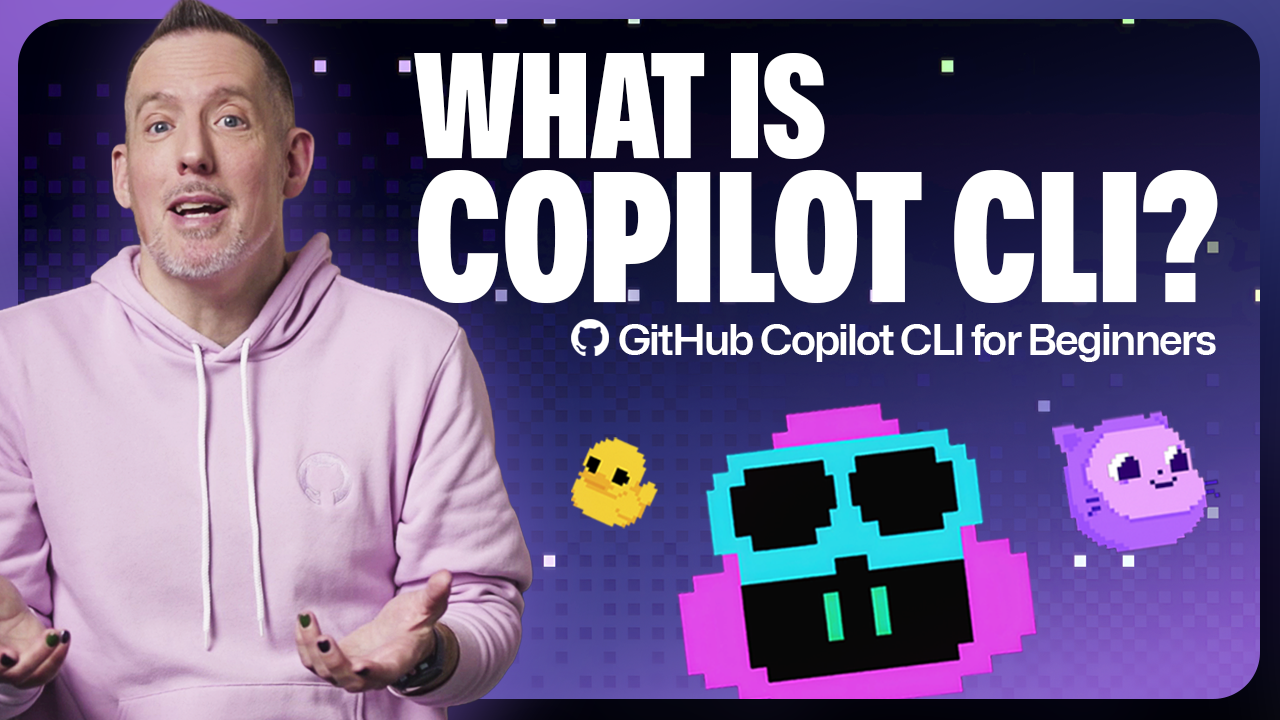
GitHub for Beginners: Getting started with the GitHub Copilot CLI, a step-by-step tutorial.
Discover how Rubber Duck provides a different perspective to GitHub Copilot CLI.
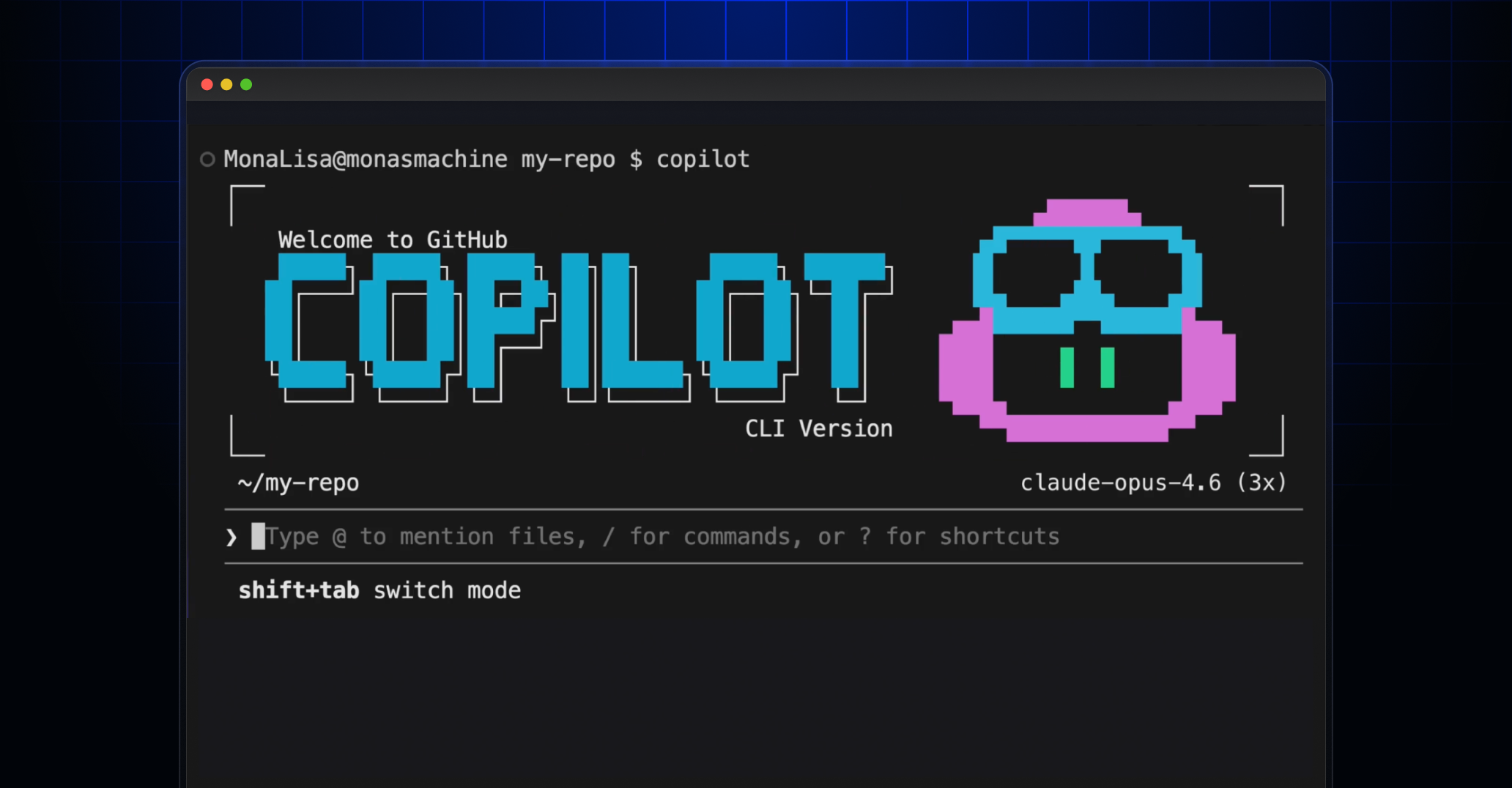
/fleet lets Copilot CLI dispatch multiple agents in parallel. Learn how to write prompts that split work across files, declare dependencies, and avoid common pitfalls.

I used coding agents to build agents that automated part of my job. Here’s what I learned about working better with coding agents.

A hands-on guide to using GitHub Copilot CLI to move from intent to reviewable changes, and how that work flows naturally into your IDE and GitHub.
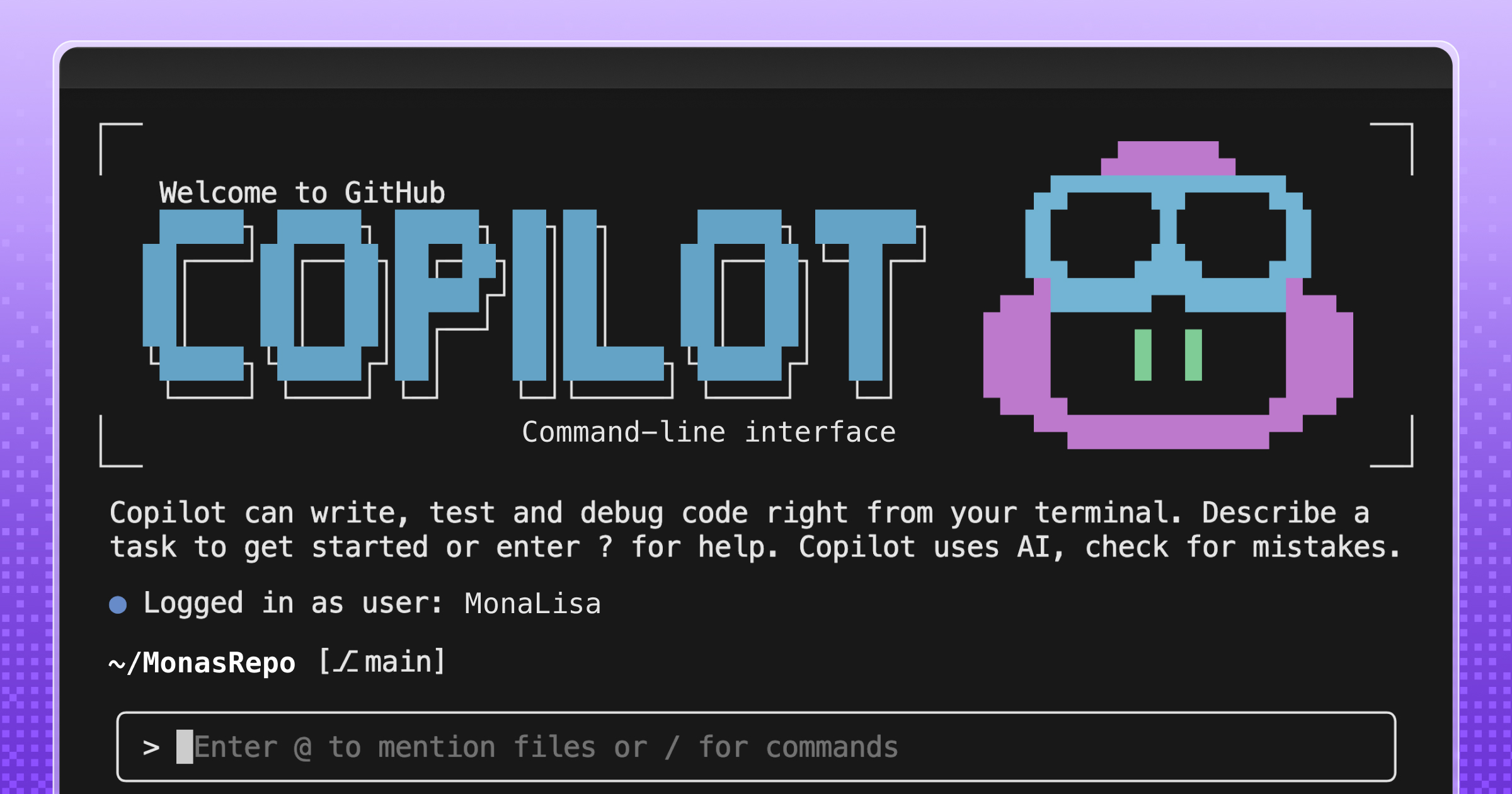
Learn how GitHub built an accessible, multi-terminal-safe ASCII animation for the Copilot CLI using custom tooling, ANSI color roles, and advanced terminal engineering.

Build what's next on GitHub, the place for anyone from anywhere to build anything.

Join us October 28-29 in San Francisco or online for GitHub Universe, our flagship developer event uniting people, agents, and the world's code.

