With Pull Requests 2.0, it became easier than ever to review code and accept patches. We use pull requests extensively at GitHub, and I love receiving pull requests on my open source projects.
Take, for example, this pull request for a documentation fix in God:
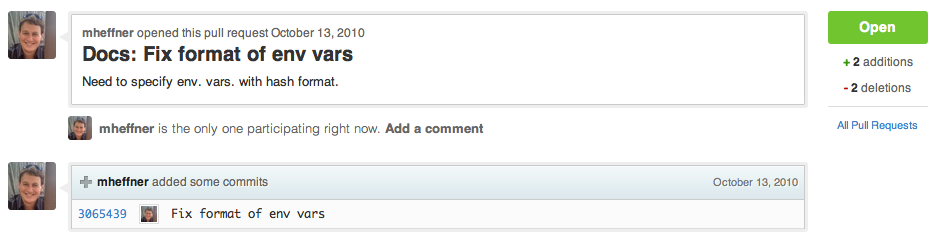
Traditionally, merging this pull request required multiple steps via the git command line. Not anymore!
All pull requests now include a Merge Button:

If a merge conflict is detected, the button is replaced with manual merge instructions:

A single click on the button automatically merges and closes the pull request:

The merge always generates a merge commit (git merge --no-ff), which contains the number, source and title of the pull request:

Try it out on some of your pull requests. Have fun merging!


