Today we released an update to GitHub for Windows allowing you to quickly see when a branch is no longer in sync with its remote.
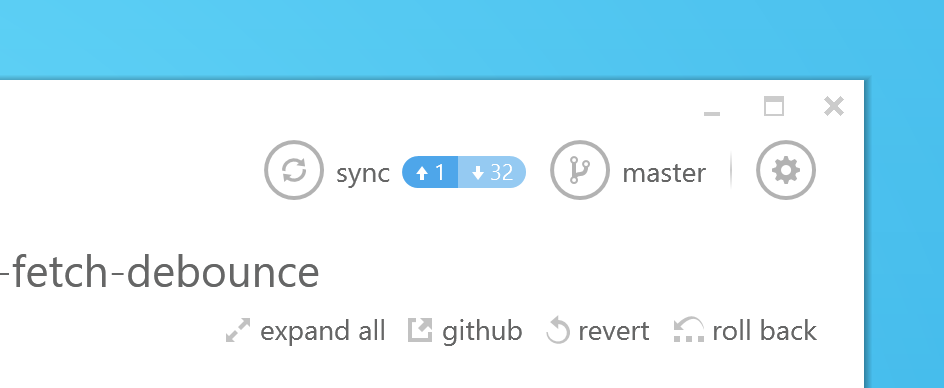
Right next to the sync button you’ll now see how many commits ahead and behind your local branch is compared to its remote. We’ll automatically update it for you or you can press F5 to refresh it manually.
In addition, you can now press the sync button at any time to get the latest changes from the remote, even before GitHub for Windows has detected them.
If you’ve already got GitHub for Windows installed you’ll get this release delivered as an update. If you don’t it’s available over at windows.github.com.
Happy syncing!


