Build what's next on GitHub, the place for anyone from anywhere to build anything.
Join us October 28-29 in San Francisco or online for GitHub Universe, our flagship developer event uniting people, agents, and the world's code.
You’ve been able to block users for a while now, but you can now see who you’ve blocked from your account settings page. You can also search and add new…

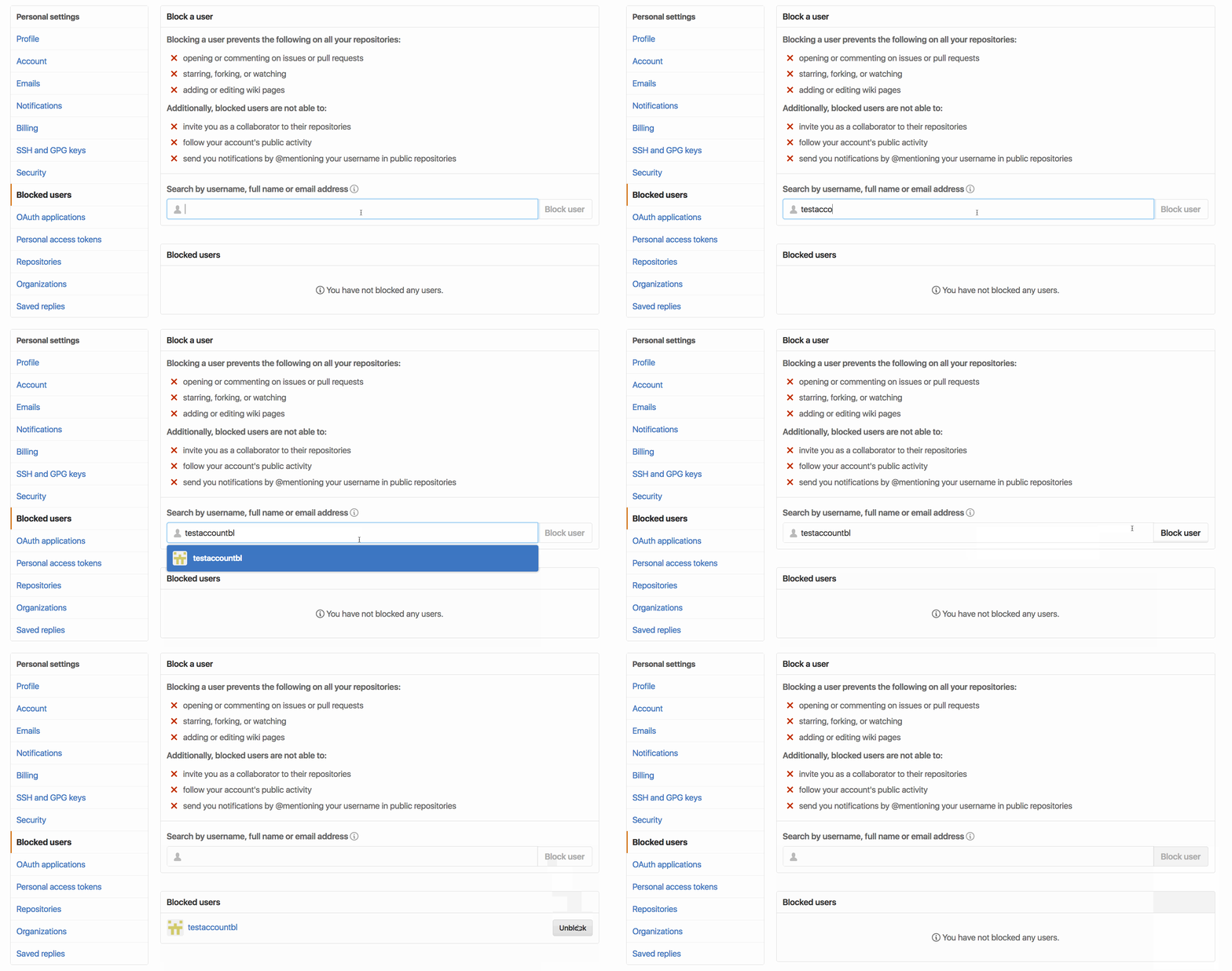
You’ve been able to block users for a while now, but you can now see who you’ve blocked from your account settings page. You can also search and add new users to your blocked list, as well as unblock any user that you’ve blocked by accident.
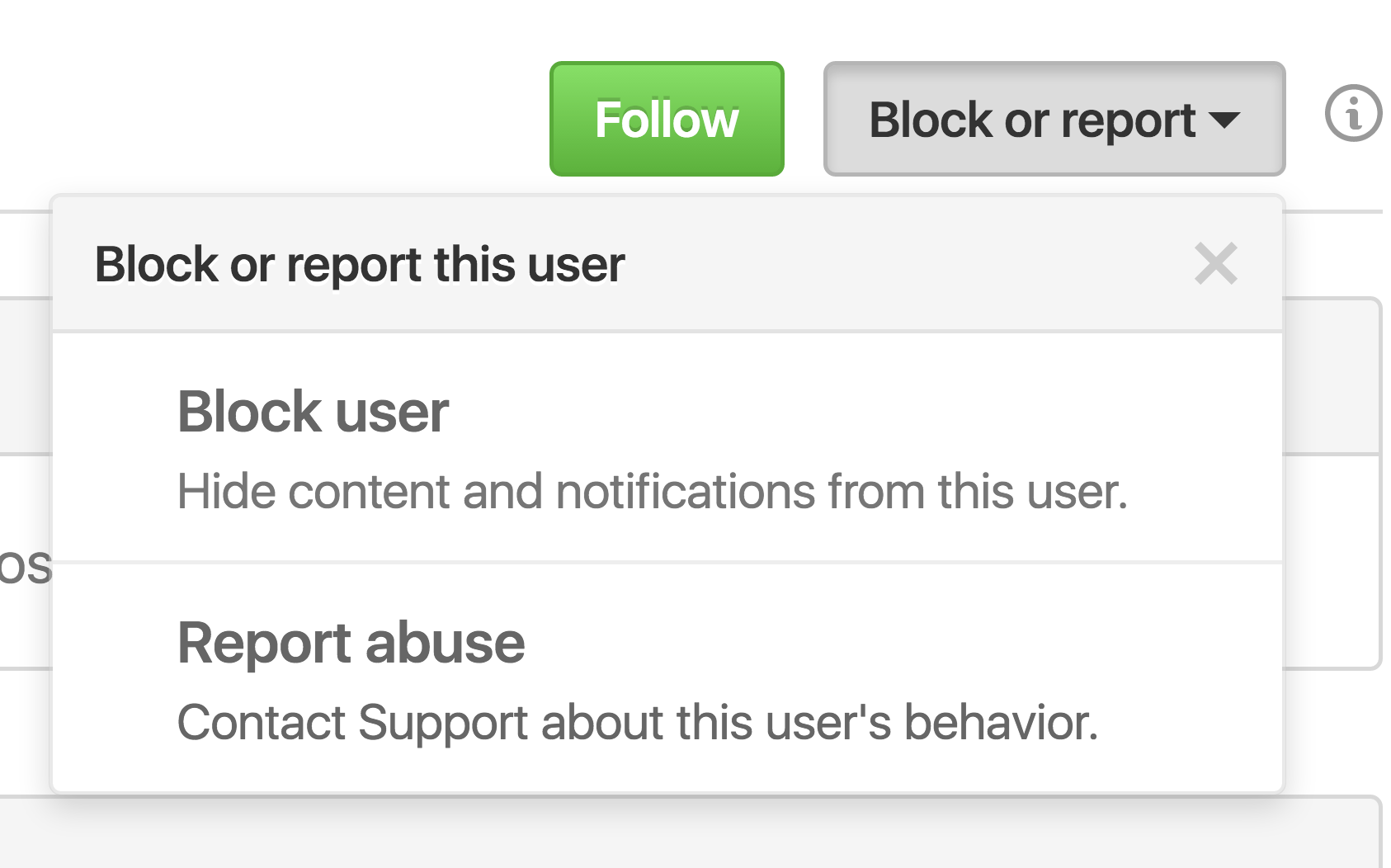
Of course, if a user is bothering you, you can always block them from their profile page directly.

Check out the GitHub Help documentation for more information about blocking a user from your personal account or how to block a user from your organization.