Build what's next on GitHub, the place for anyone from anywhere to build anything.
Join us October 28-29 in San Francisco or online for GitHub Universe, our flagship developer event uniting people, agents, and the world's code.
For almost two years you have been able to use saved replies to quickly respond to multiple issues and pull requests. Now saved replies have keyboard shortcuts to make them…
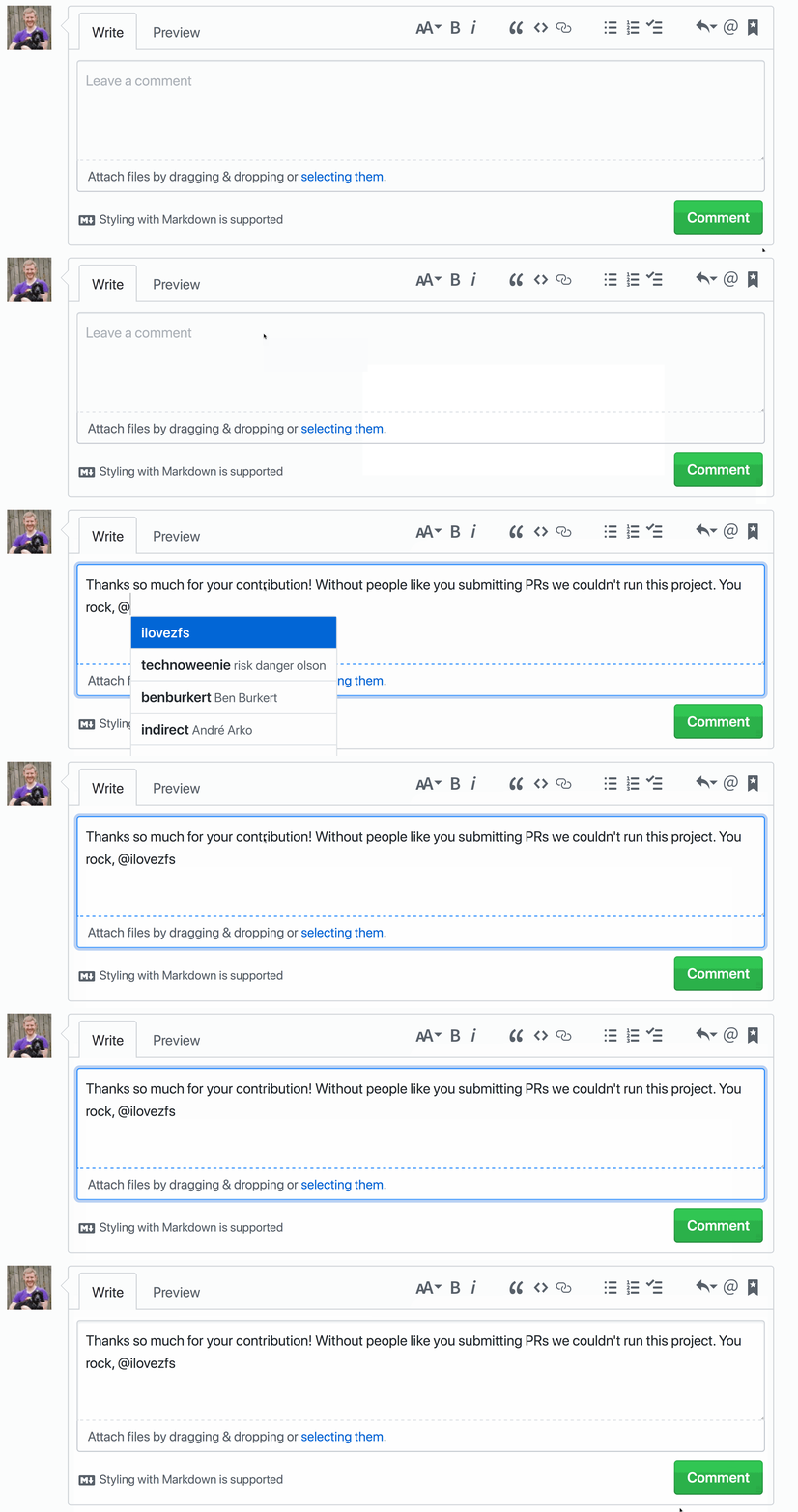
For almost two years you have been able to use saved replies to quickly respond to multiple issues and pull requests. Now saved replies have keyboard shortcuts to make them even easier to use.

To activate your saved replies press Ctrl . when composing or replying to an issue or pull request. Select the saved reply of your choice with a number, for example Ctrl 2.
Note if your saved reply ends with a # or @ after inserting the saved reply it will attempt to autocomplete an issue or pull request number or username. Check out the documentation to learn more.