To help kick off the new year, we’re happy to announce that GitHub for Mac now supports CAS authentication with GitHub Enterprise as of version 11.10.328 or later!
The sign-in process is almost exactly the same. Open GitHub for Mac’s Preferences, switch to the “Accounts” tab, and then enter the URL for your GitHub Enterprise server:
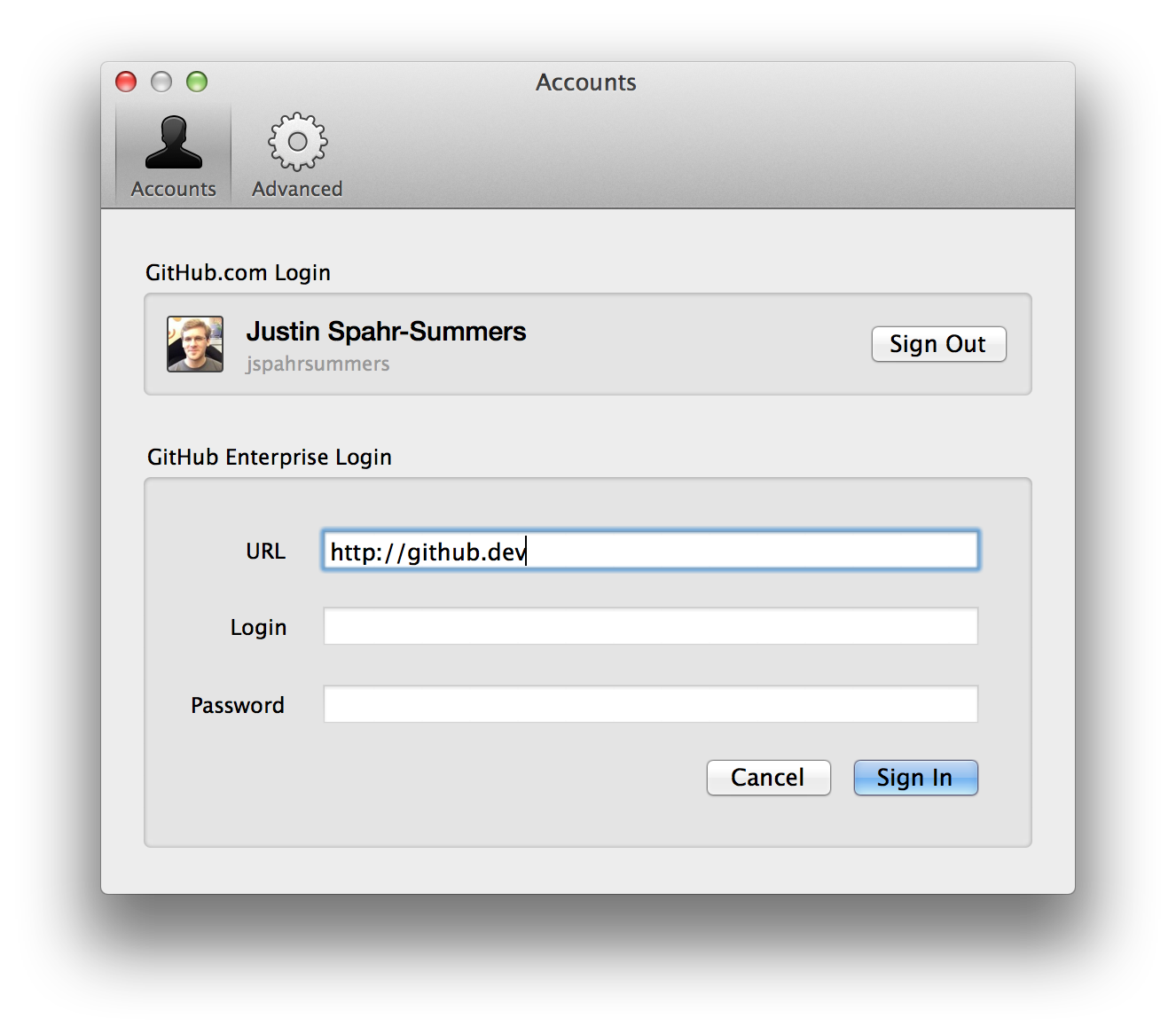
If your server uses single sign-on, the username and password fields will be automatically grayed out, and clicking “Sign In” will open your web browser to finish the process.
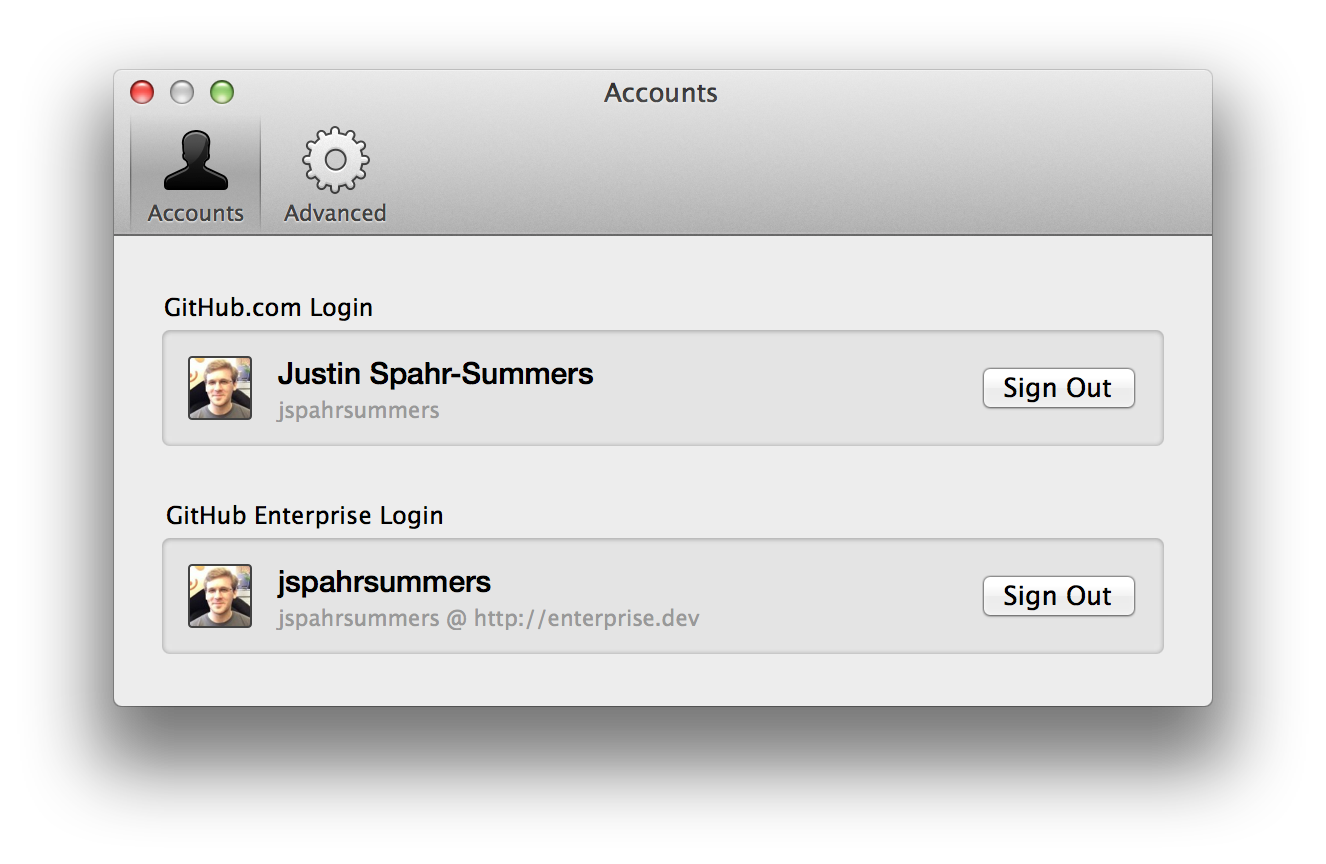
Upon success, you’ll be redirected back to GitHub for Mac, now signed in:
If you run into any problems signing in, or have any comments or suggestions, please contact support.
Enjoy! 🚀