Web notifications on GitHub keep you apprised of the latest activity from the repositories you watch within your browser. With the addition of mobile web notifications, now you can stay up to date from your phone.
If you already use web notifications, you’ll see a familiar indicator in the top right of every page whenever you have unread activity.
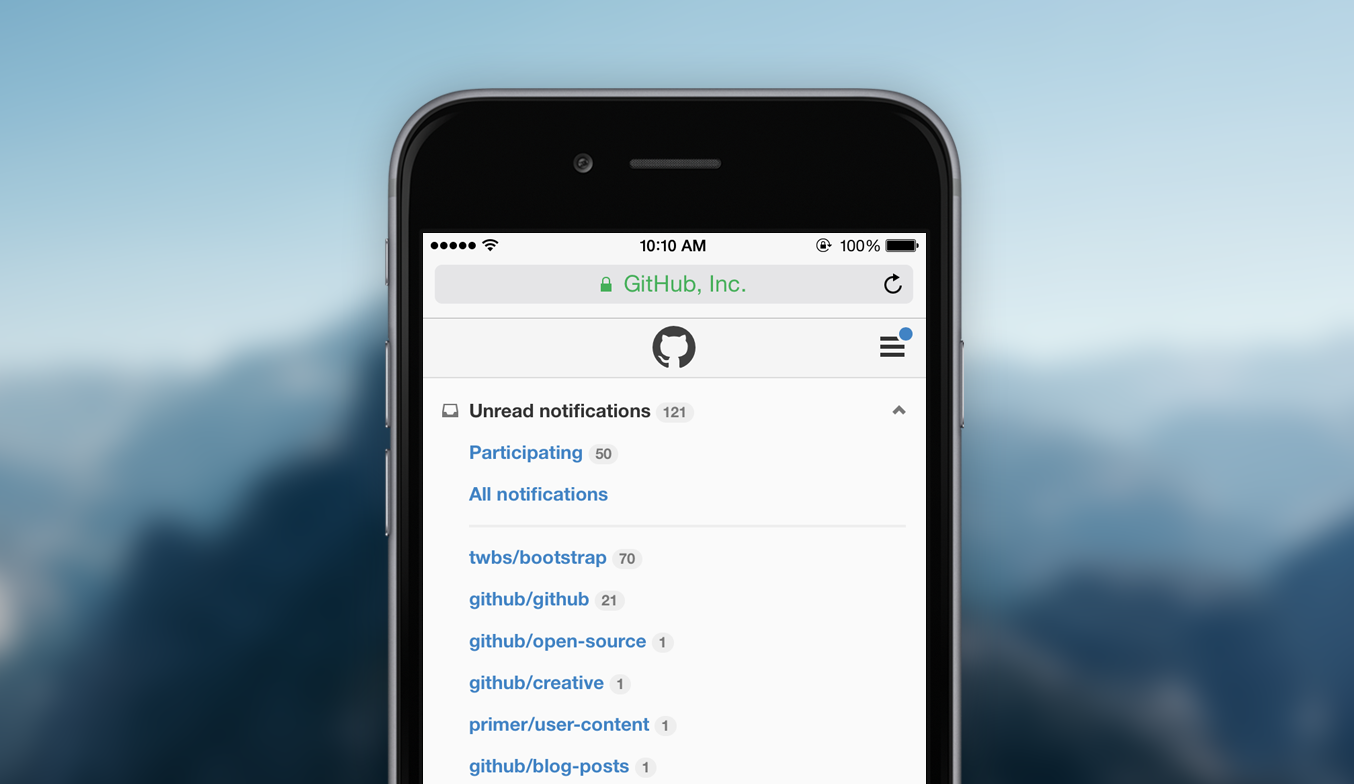
Use the switcher at the top of the page to filter your notifications. By default we show all your unread activity across the repositories you watch, but filtering to a specific repository—or even just the threads you’re participating in—is just a couple taps away.
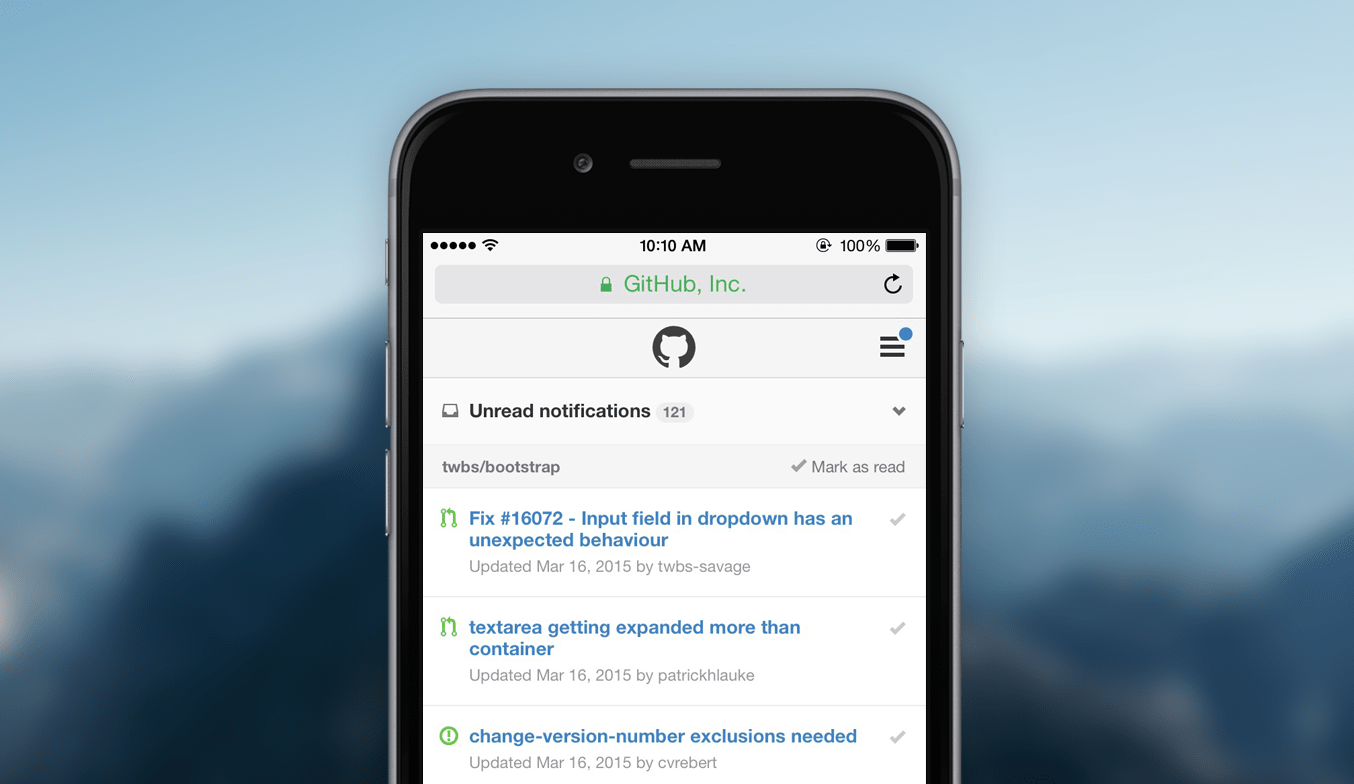
When you want to skip a notification, you can always mark it as read. Tap the checkmark on the right of individual notifications and they’re immediately updated. You can also use the link in each repository group’s header to mark multiple notifications as read.
New to web or email notifications on GitHub? Head to your account settings to customize how and where you receive notifications for the repositories you watch.


