For many developers getting started with Git on Windows, one of the confusing features of Git is that the default editor for commit messages is Vim. While Vim is a great editor, many folks would prefer something a bit more user-friendly.
For those folks, we’ve created a great getting-started resource, GitPad. This is a portable, single-EXE program that will configure Notepad as your default editor for commit messages and other features such as interactive rebase, which lets you reorder and combine commits before you send them to others.
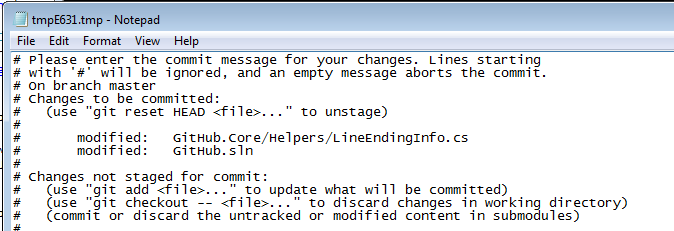
If you’re interested, grab GitPad.exe from the Download page and run it, then restart your CMD / Bash shell window.


