

Action needed for GitHub Desktop and Atom users
Update to the latest version of Desktop and previous version of Atom before February 2.

Build what's next on GitHub, the place for anyone from anywhere to build anything.

Join us October 28-29 in San Francisco or online for GitHub Universe, our flagship developer event uniting people, agents, and the world's code.
A new GitHub Desktop release is here. Compare branches and perform actions on multiple files.
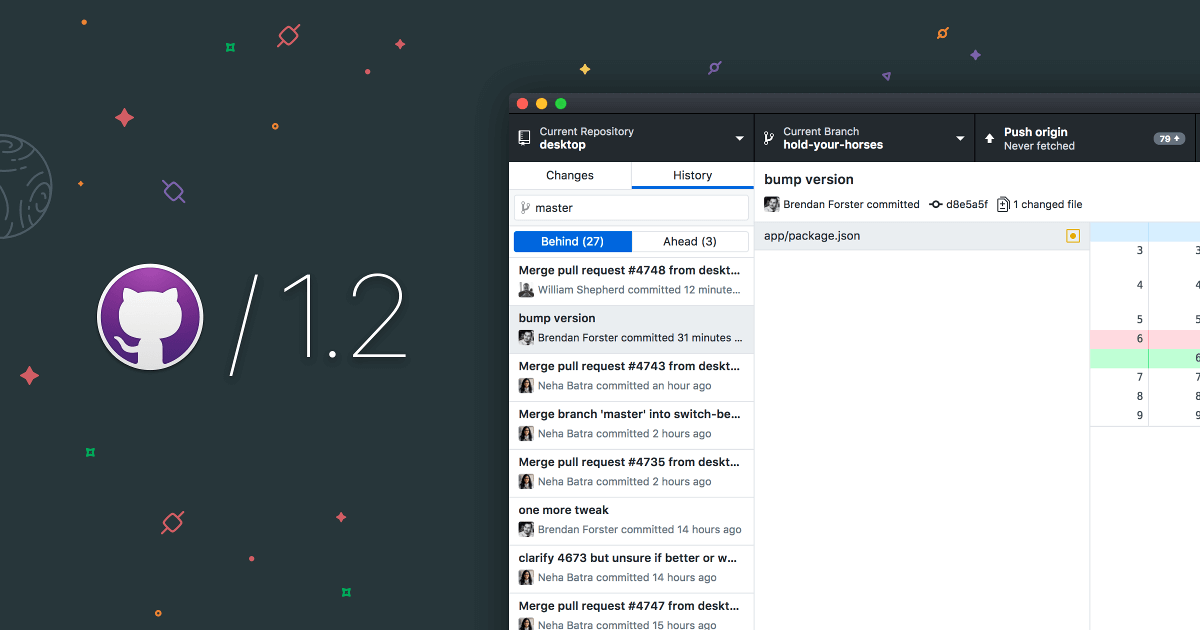
A fresh release of our Electron-based Desktop app is here! GitHub Desktop 1.2 ships with new features and enhancements that help you stay up-to-date with your coworkers’ changes and keep you in sync with your team.
Now you can compare your branch to any other branch in the repository, like your master or base branch, and merge that work into your current branch—and there’s more to come.
In previous versions of GitHub Desktop, you could either perform actions, like discarding changes, on one file at a time or all files at once. Now you can select multiple files to perform an action on by holding down Shift or Command/Ctrl and clicking on the files you want selected.
GitHub Desktop is open source. Thanks to our community, we’ve merged 26 contributions from 18 different contributors. Since launching 1.1 in February, we’ve fixed bugs, improved existing features, and extended GitHub Desktop. In fact, our multi-file select feature started as a pull request from our community ❤. We’d love to have you join us and contribute to future versions of Desktop.
Check out our release notes to learn more.
GitHub Desktop helps you feel confident in your Git and GitHub workflows.
Update to the latest version of Desktop and previous version of Atom before February 2.