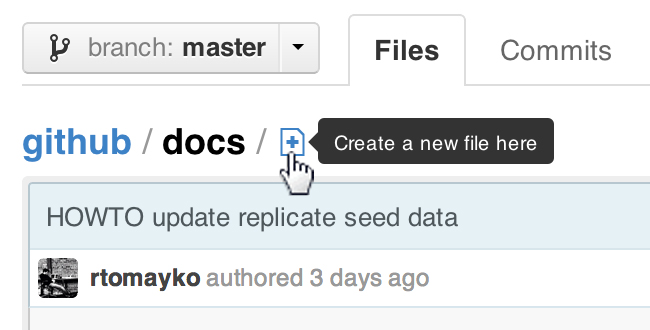
Starting today, you can create new files directly on GitHub in any of your repositories. You’ll now see a “New File” icon next to the breadcrumb whenever you’re viewing a folder’s tree listing:
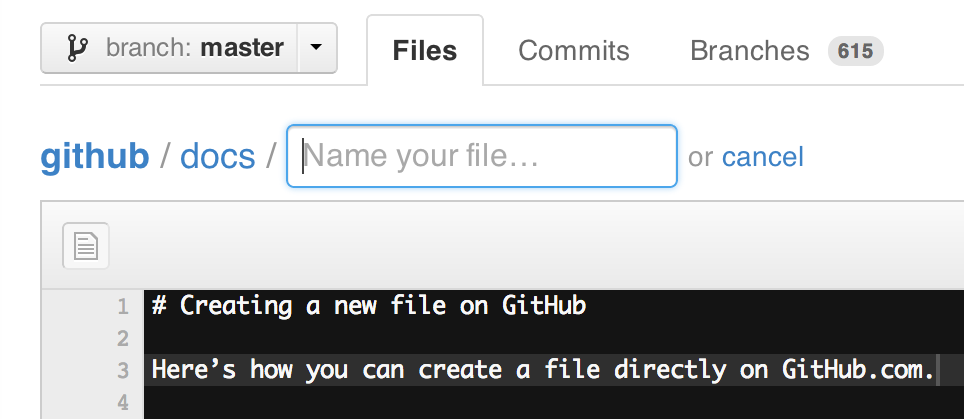
Clicking this icon opens a new file editor right in your browser:
If you try to create a new file in a repository that you don’t have access to, we will even fork the project for you and help you send a pull request to the original repository with your new file.
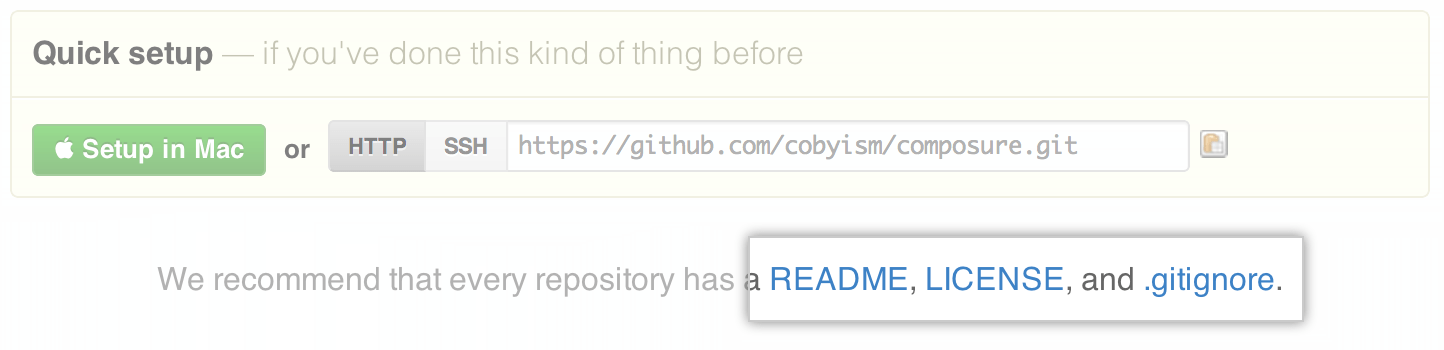
This means you can now easily create README, LICENSE, and .gitignore files, or add other helpful documentation such as contributing guidelines without leaving the website—just use the links provided!
For .gitignore files, you can also select from our list of common templates to use as a starting point for your file:

ProTip™: You can pre-fill the filename field using just the URL. Typing ?filename=yournewfile.txt at the end of the URL will pre-fill the filename field with the name yournewfile.txt.
Enjoy!


