

Responsible AI pair programming with GitHub Copilot
GitHub Copilot boosts developer productivity, but using it responsibly still requires good developer and DevSecOps practices.

Build what's next on GitHub, the place for anyone from anywhere to build anything.

Join us October 28-29 in San Francisco or online for GitHub Universe, our flagship developer event uniting people, agents, and the world's code.
The latest GitHub Desktop release includes the most requested feature of the past six months: tags! Create, push, and view tags directly from GitHub Desktop.
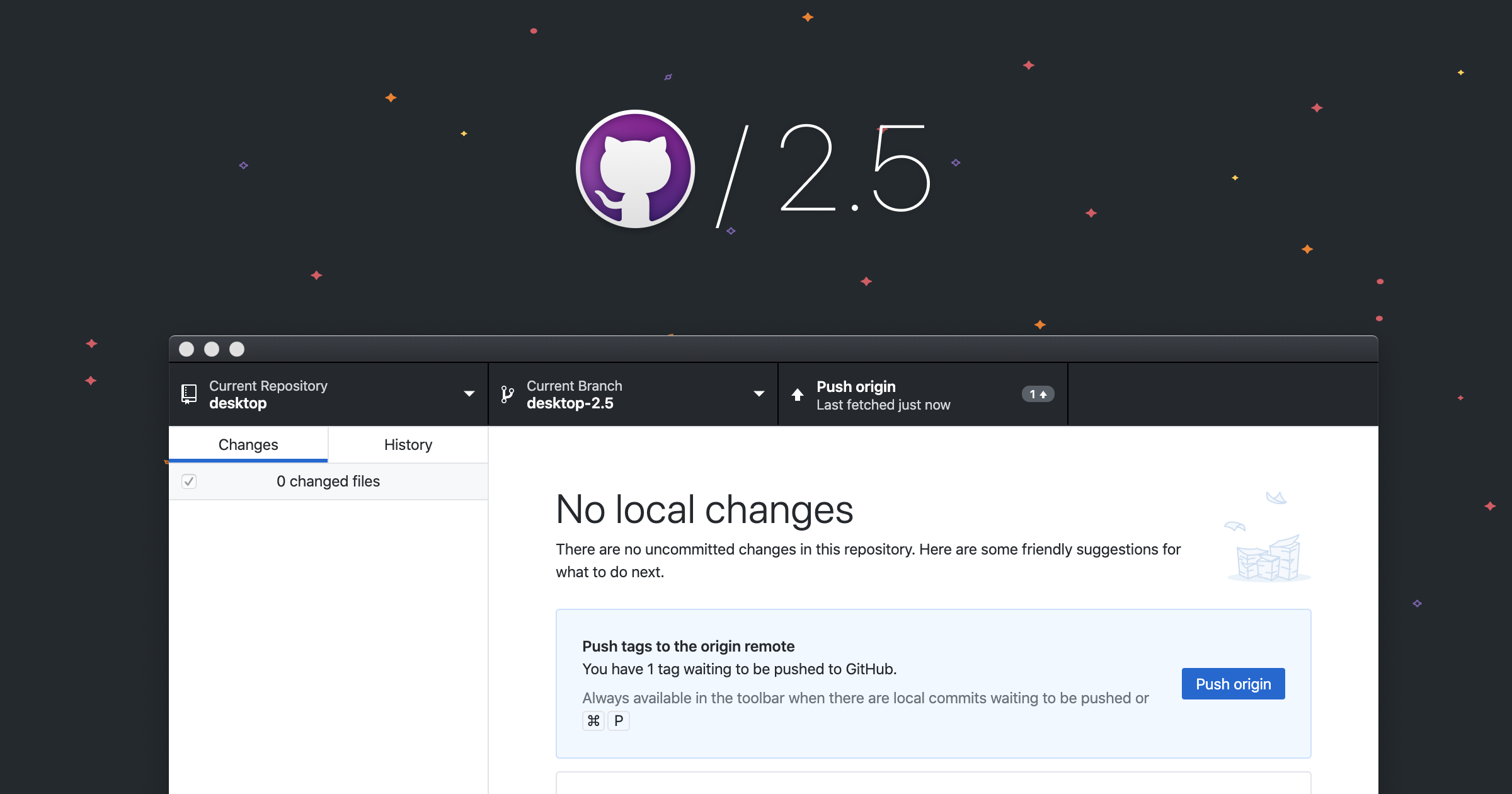
As promised at GitHub Satellite, Git tags are coming to GitHub Desktop! Tags are helpful references that allow you to mark a particular point in your project’s history. They’re most frequently used to specify the commit for a given release or for any significant milestone. As one of the most requested features in the past six months, we’re excited to deliver it.
With today’s 2.5 release, you can create and view your tags directly from GitHub Desktop. Now when you push to GitHub.com, any tags created in Desktop are automatically included. GitHub Desktop also notifies you when you’ve created tags but haven’t yet pushed them, so you don’t forget to share your latest tag with the rest of the team.

We’ve heard feedback that tagging is one of the few features remaining in your regular workflow that you have to do via the command line. Hopefully this reduces that context-switching so you can complete your full local workflow from GitHub Desktop.
If you’re interested in hearing more ways to extend your workflow with GitHub Desktop and other GitHub apps like CLI and Mobile check out Neha Batra’s session “Putting GitHub at your fingertips” at GitHub Satellite.
GitHub Copilot boosts developer productivity, but using it responsibly still requires good developer and DevSecOps practices.
We’re always trying to improve the GitHub developer experience in meaningful ways, and we love learning from our customers. In the last several months we released several new fork capabilities, and we’re publishing revised fork documentation that gives more details with clearer explanations to make fork concepts easier to understand.