Join us October 28-29 in San Francisco or online for GitHub Universe, our flagship developer event uniting people, agents, and the world's code.
Register now
Commit together with co-authors
With faster onboarding for junior developers, increased code quality, and more thorough code review, it’s easy to see why more developers than ever are writing code collaboratively. Your team’s (and…
|1 minute
Share:
With faster onboarding for junior developers, increased code quality, and more thorough code review, it’s easy to see why more developers than ever are writing code collaboratively. Your team’s (and our own) great results from social coding motivated us to popularize the pull request—and more recently—bring real-time collaboration to your text editor with Teletype for Atom. Today, we’re building on these tools with support for multiple commit authors.
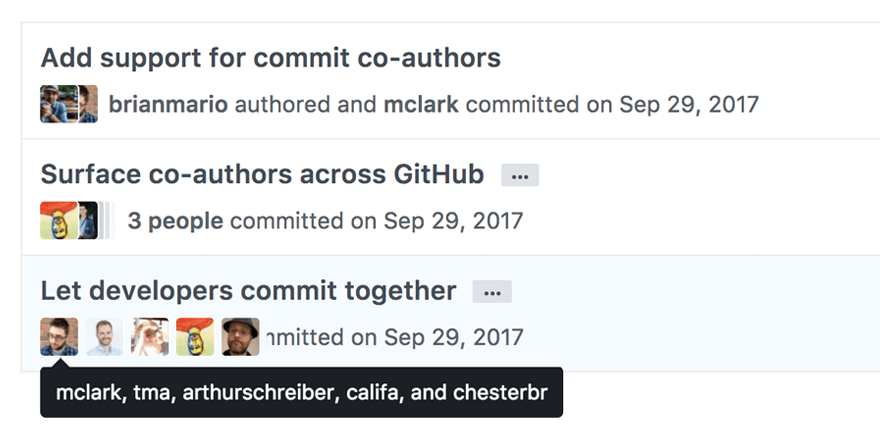
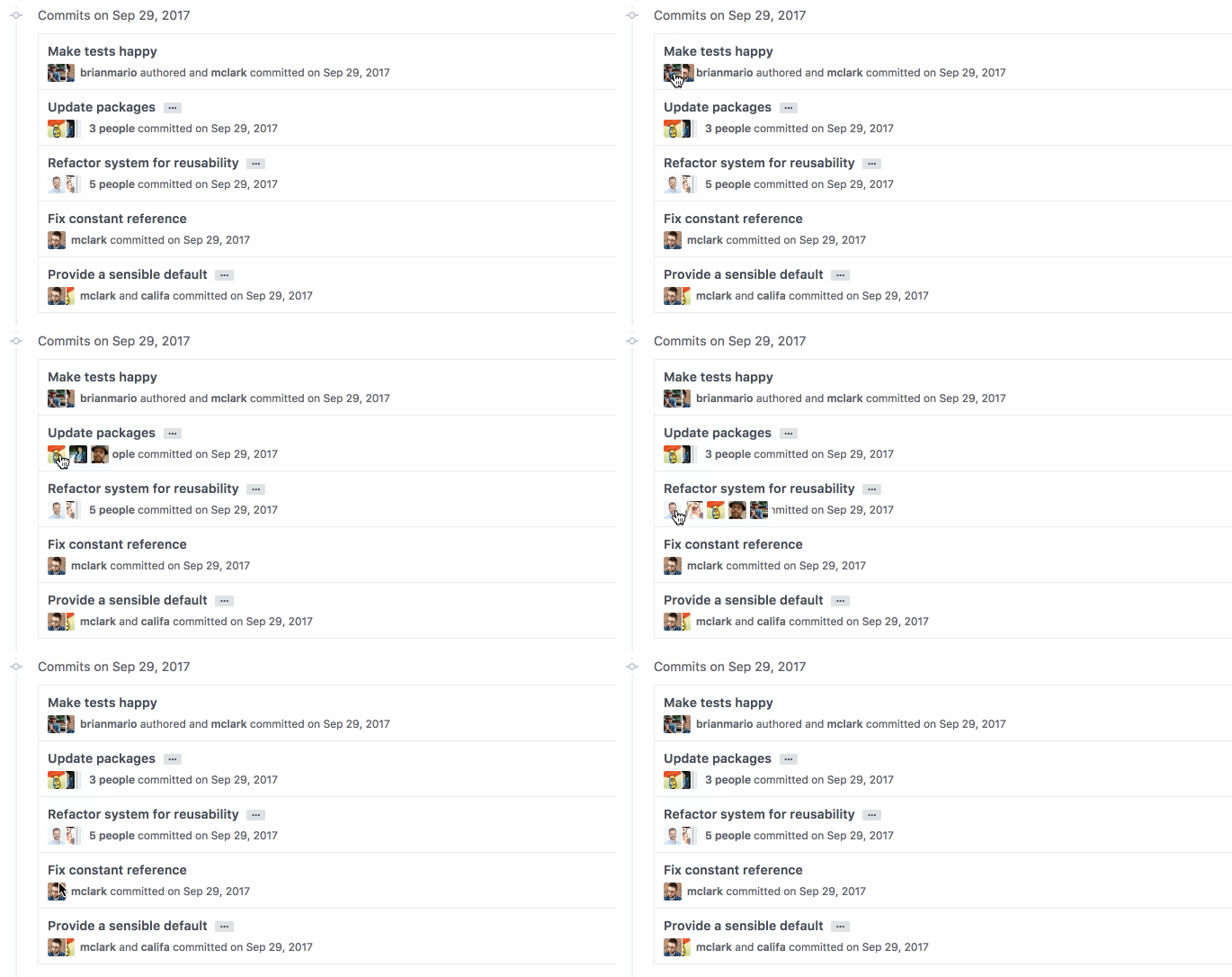
Commit co-authors makes it easy to see who has contributed to every commit, regardless of how many contributors there are—and every author gets attribution in the pull request and in their contribution graph.