View repository pushes on the new activity view

We've now made it easier to understand changes to your repositories with the new activity view. Historically viewing pushes to a repository required contacting GitHub support. This new activity view gives users with read access the ability to self-serve insights to a repository and all of its changes.
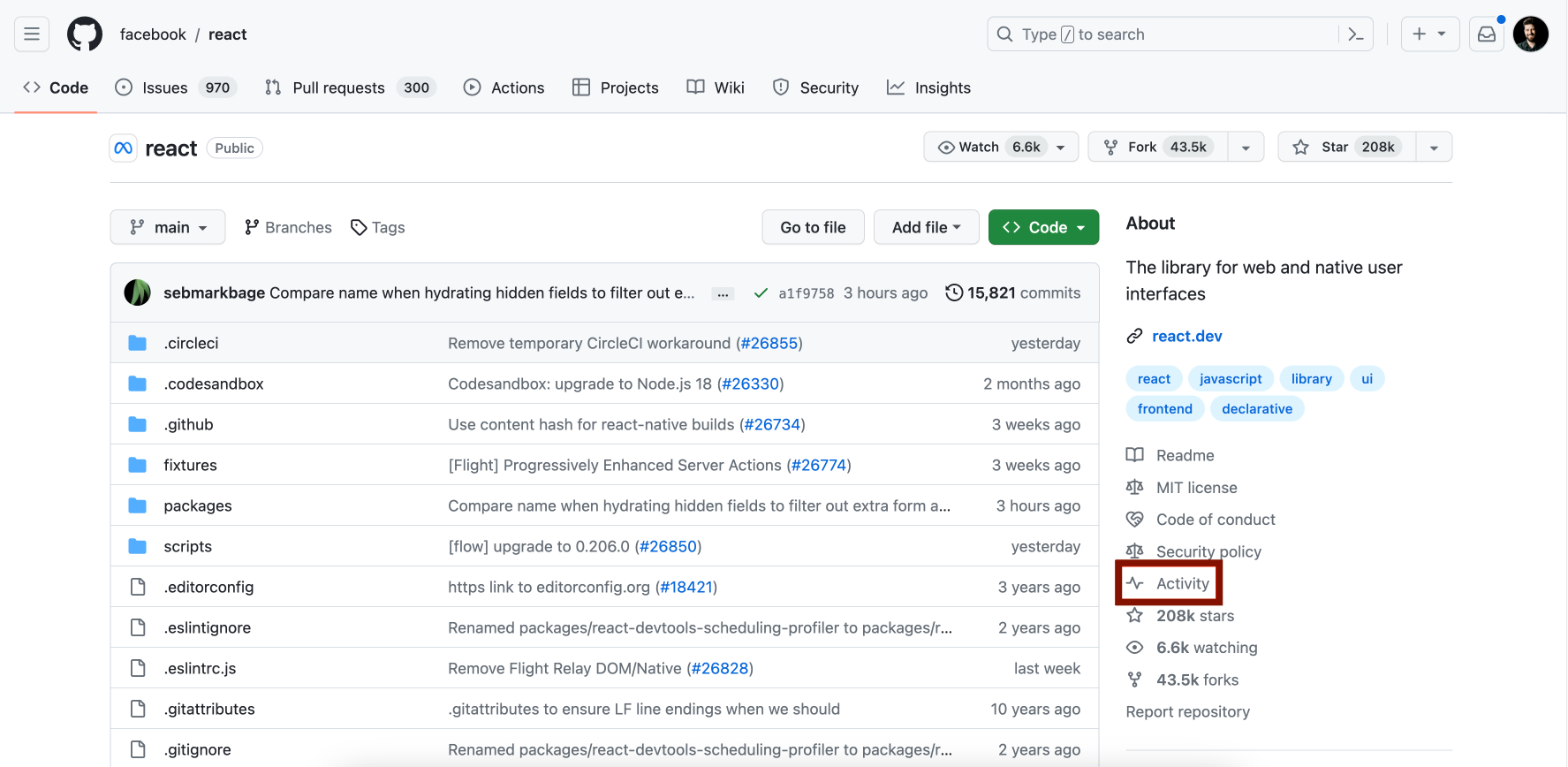
You can access the Activity view from the main page of a repository by clicking "Activity" to the right of the list of files.
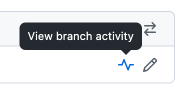
You can also access the activity view from the Branches page of any repository by clicking on the activity icon.

From the activity view you can sort and filter to find exactly what you are looking for.

Here is an example of how you could use the activity view to find a force push on a particular branch, and then compare the changes to the repository before and after the push:

Learn more about the Activity view.
Already using the activity view? We'd love to hear your feedback.