Release
Command palette beta

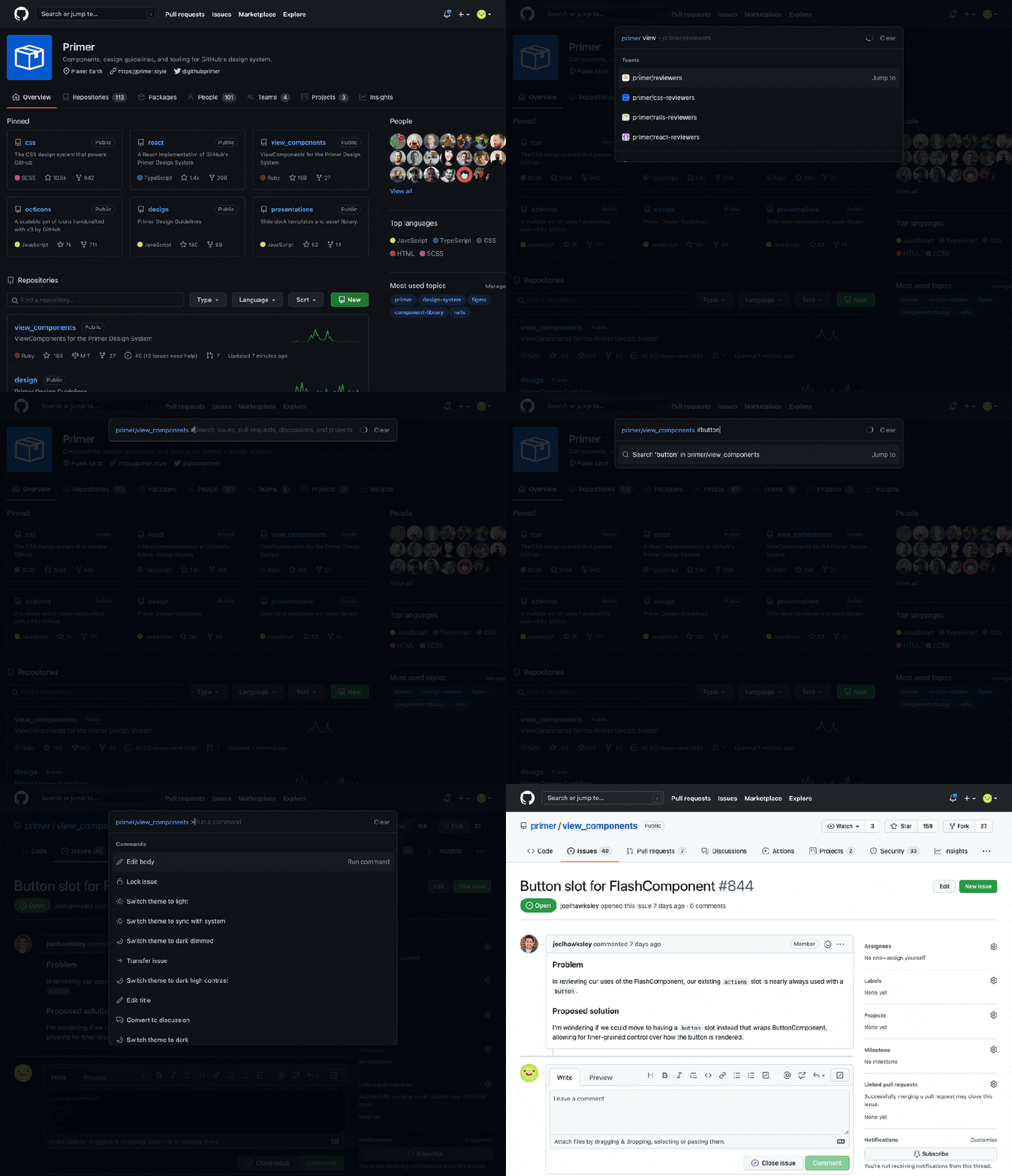
A command palette beta is now available for all users across github.com. Quickly navigate to your organizations and repositories, and use modes to find and jump-to pull requests, issues, projects, files, and more. Execute commands to optimize your workflows, all from the keyboard.
Open the command palette using one of the following keyboard shortcuts:
- Windows and Linux:
Ctl korCtl alt k - Mac:
⌘ kor⌘ option k
To open directly to command mode:
- Windows and Linux:
Ctrl shift korCtl shift k - Mac:
⌘ shift kor⌘ shift k
With the command palette open, use modes to find specific types of resources and execute commands:
>Enter command mode#Search for issues, pull requests, discussions, and projects!Search for projects@Search for users, organizations, and repositories/Search for files within a repository scope